
What a Cook County Court Docket Shows
A docket entry is a brief, dated note made by the Clerk when something happens in the case. Each entry records who filed what, what order the judge signed, or what hearing came next. The Clerk calls the online version a public docket summary. The paper file holds the full pleadings, exhibits, and signed orders.
Entries are written in short shorthand. Common entries include complaint filed, summons issued, motion to dismiss filed, agreed order entered, case continued, judgment entered, dismissed for want of prosecution, sentencing date set, warrant issued, and warrant quashed. Older cases may also show bond entries; new cases filed after September 18, 2023 use pretrial release entries instead of cash bond entries under Illinois pretrial reform.
How to Search Cook County Court Dockets
Start at the Clerk of the Circuit Court online case information page. The Clerk warns that updates may lag the courthouse file by a few days. A very fresh filing may appear first on a Public Access Terminal inside the courthouse rather than on the public web docket.
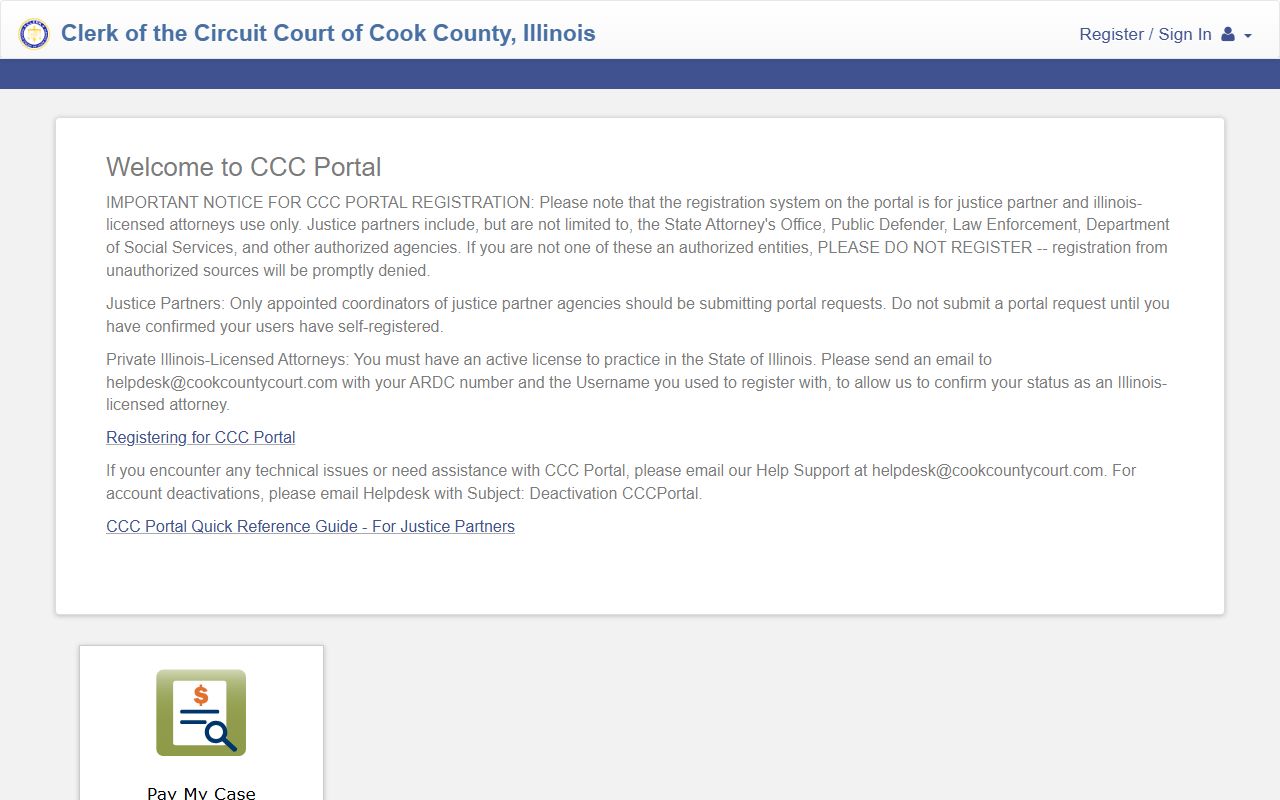
The CCC Portal landing page below is the separate attorney path. The Clerk's case lookup page sends Illinois-licensed attorneys and justice partners to that portal for criminal, county, probate, and domestic information.
- Open cookcountyclerkofcourt.org/online-case-information.
- Follow the link to casesearch.cookcountyclerkofcourt.org.
- Pick the division. Civil, law, chancery, domestic relations, probate, county, criminal, and traffic dockets each have a different search target.
- Enter the case number, or party name where allowed.
- Open the docket. Read entries top to bottom; the newest are usually first.
- Check the next court date. Confirm the date, time, courtroom, and hearing type.
The Clerk's case-search target itself returned a "Request Rejected" response during research review. The screenshot below shows the URL the Clerk page links to. If the public application is down, use a Public Access Terminal at the courthouse instead.

Sample Cook County Docket Entry Fields
The Clerk's online docket entry fields are described below. The field list comes from the Clerk's own descriptions of the online case information service.
| Field | What It Shows |
|---|---|
| Case Number | Year, division code, sequence. |
| Filing Date | Date the case was opened with the Clerk. |
| Division | Civil, law, chancery, criminal, domestic relations, county, probate, or traffic. |
| Party / Caption | Parties, attorney appearances on record. |
| Judge and Courtroom | Assigned judge, courtroom or branch number, municipal district. |
| Event Type | Filing, hearing, order, motion, judgment, warrant. |
| Event Date | When the event occurred or was set. |
| Status | Active, closed, disposed, on appeal, transferred. |
When Cook County Dockets Update Online
The Clerk's online case information page is clear that the docket is a public service and not the official record. Posting can take a few days because Clerk staff scan filings, route them to the correct division, and post the event entries.
If a fresh filing does not show, the case may already be in the master database but not yet visible on the public page. The Clerk says that if no data appears in a field, the office likely does not have responsive data in its master database for that case.
Note: Public Access Terminals inside Cook County courthouses sometimes show entries before the public web docket.
Division-Specific Cook County Dockets
Each Circuit Court division publishes its own docket pattern. Civil and Law dockets focus on motions, status calls, prove-up dates, and judgment entries. Chancery dockets show injunction motions, foreclosure events, and class-action entries. Criminal Division dockets show arraignment, motions to suppress, jury demand, plea, sentencing, and post-conviction entries. Domestic Relations dockets show status calls, mediation referrals, parenting class entries, prove-up dates, and judgments of dissolution.
Probate dockets show petitions filed, letters of office issued, claims, inventories, accountings, and orders of distribution. County Division dockets show name-change petitions, adoption events that are not public, tax-deed petitions, and election-related orders. Domestic Violence dockets show petitions for emergency, plenary, and interim orders of protection, no-contact orders, and stalking no-contact orders.
Federal Court Dockets for Cook County Cases
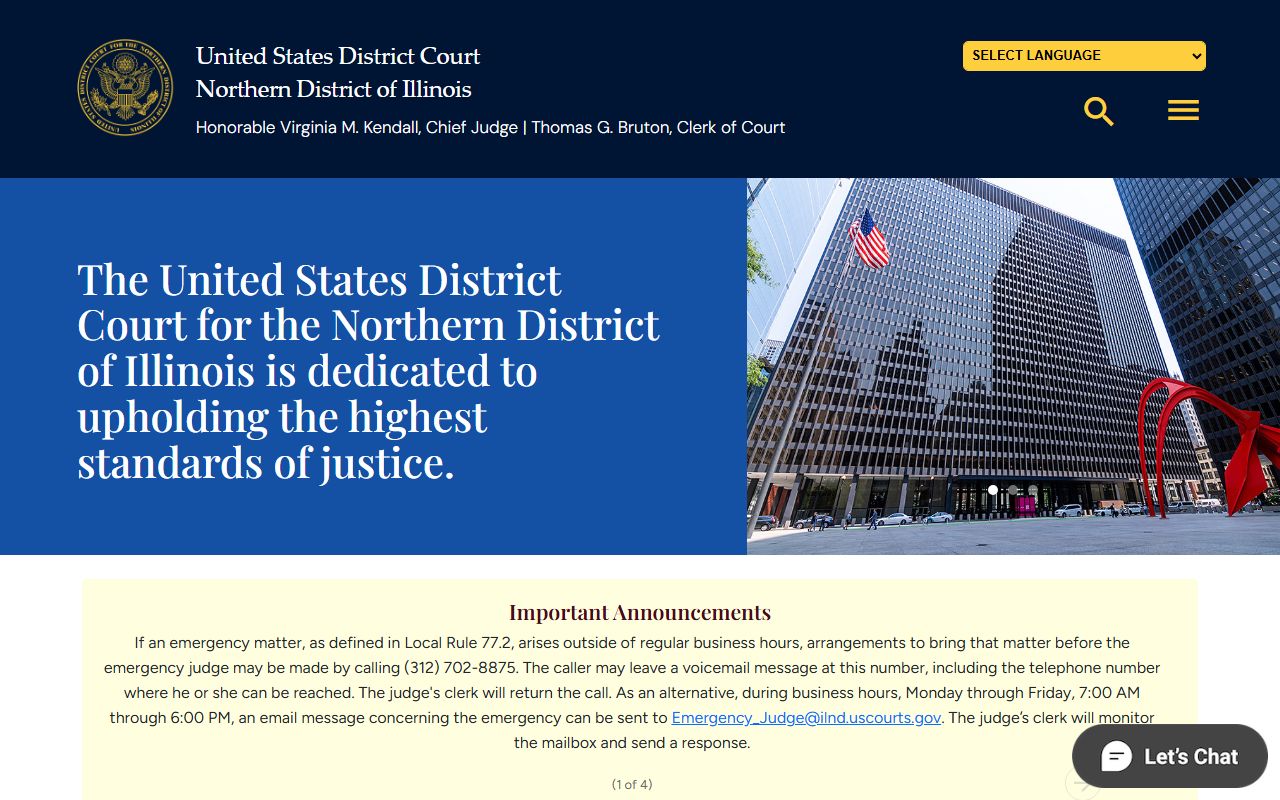
Federal cases that arise in Cook County are filed in the U.S. District Court for the Northern District of Illinois at ilnd.uscourts.gov. The district court's CM/ECF case management system is at ecf.ilnd.uscourts.gov. Public docket and document access for federal cases is through PACER at pacer.uscourts.gov. The PACER system charges fees and requires a registered account.
The federal district court home page is shown below.
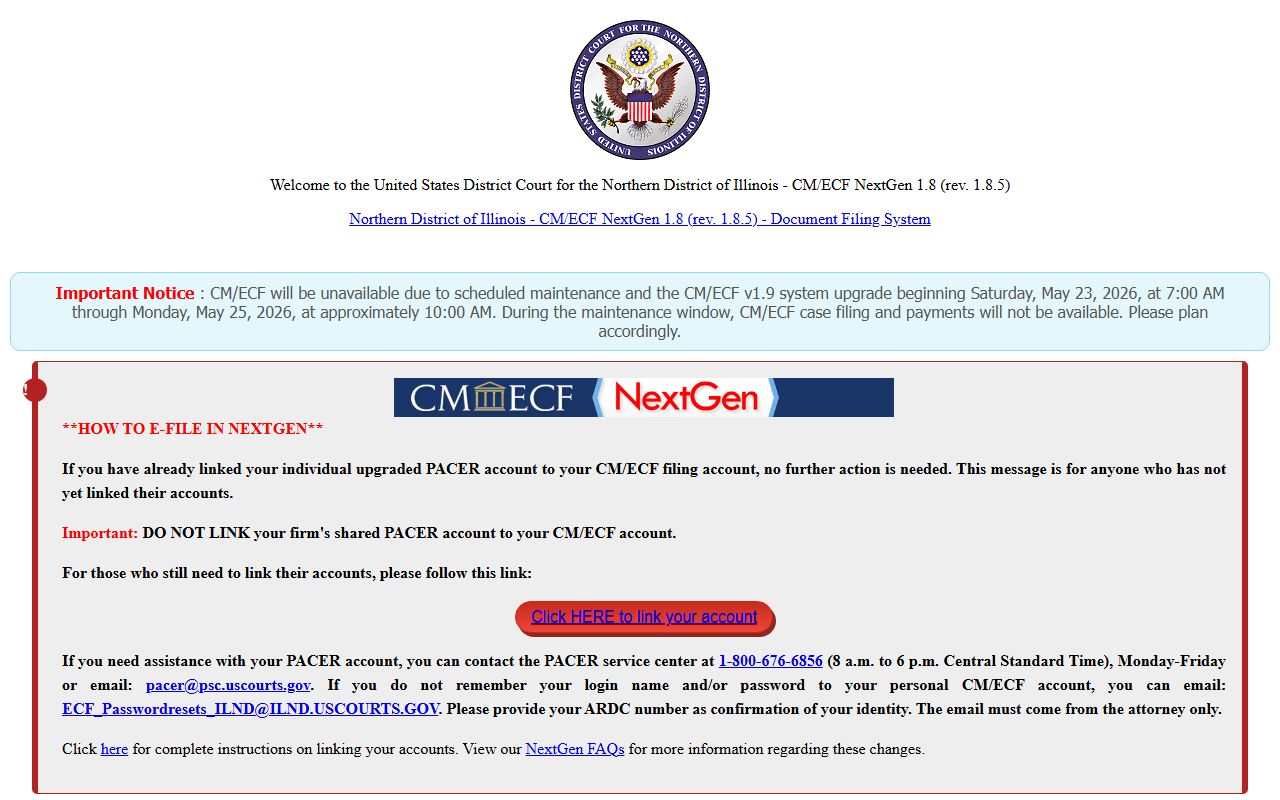
The Northern District CM/ECF interface is captured below. Most public docket viewing happens through PACER rather than this interface.
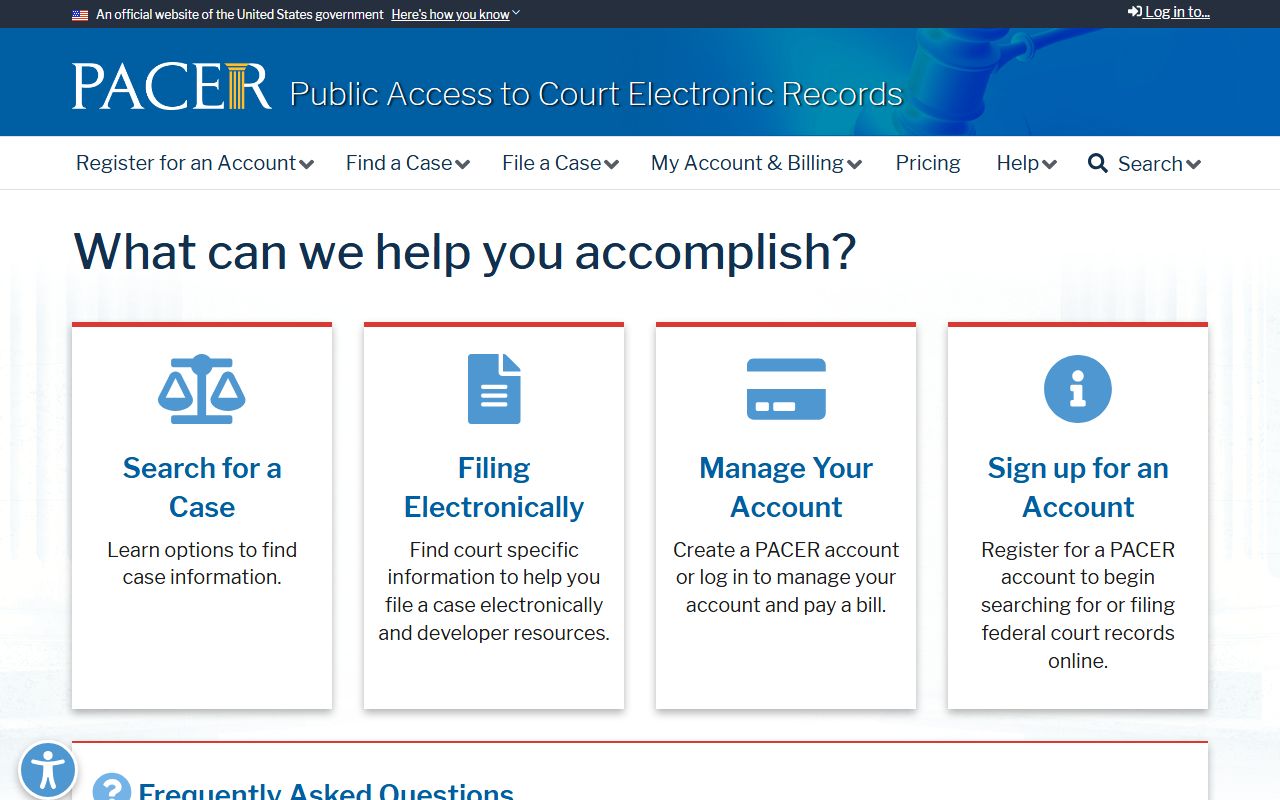
The PACER registration page is below. PACER fees are assessed by the federal judiciary; quarterly fee waivers may apply.
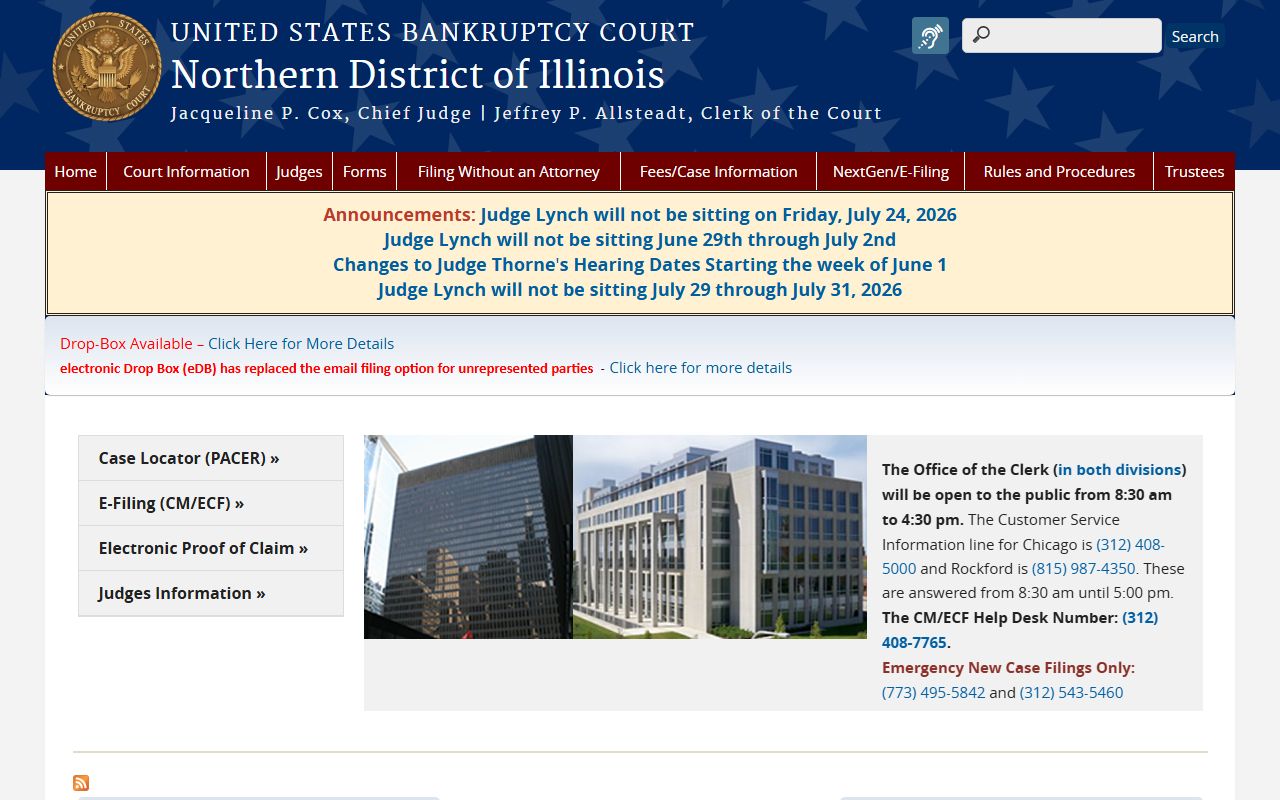
For bankruptcy dockets, the U.S. Bankruptcy Court for the Northern District of Illinois at ilnb.uscourts.gov handles Chapter 7, Chapter 11, Chapter 13, adversary proceedings, and discharge entries for filers in Cook County.
Cook County Court Docket vs Court Record
A docket entry is a short note. A court record is the full file behind that note. The docket says "motion filed." The court record holds the actual motion, its exhibits, and any response or order. For most general questions, the docket is enough. For legal use, the full file or a certified copy is required.
| Online Docket | Court Record | |
|---|---|---|
| Source | Clerk's public web service | Paper file at the courthouse or other Clerk repository |
| Detail | Brief event entries | Pleadings, exhibits, signed orders |
| Use | Status, court date, parties | Court use, certified copies, appeals, transcripts |
| Update lag | Days behind | Same day at the courthouse |
| Cost | Free public service | $6 per year searched on CCG0026 plus copy fees |
Reading Cook County Docket Abbreviations
Cook County dockets use short codes. Knowing the codes makes a docket far easier to read. The case-number prefix tells you the division. The event entries use their own shorthand for filings and orders.
| Code | Meaning |
|---|---|
| CH | Chancery Division case |
| L | Law Division case |
| M | Municipal Department case |
| P / PR | Probate case |
| D | Domestic relations / divorce case |
| OP | Order of protection |
| JV | Juvenile (confidential) |
| TR / DT | Traffic or driving-related |
| AD | Adoption (sealed) |
| TX | Tax |
Event entries follow a pattern too. "FTA" flags a failure to appear. "DWP" means dismissed for want of prosecution. "Cont." marks a continuance. "Agreed order" means both sides signed off on the order the judge entered. A "BFW" or bench warrant entry means the judge ordered an arrest, usually after a missed court date. Reading these codes in order, from the oldest entry to the newest, gives a quick picture of how the case has moved and what is scheduled next.
Getting Official Copies of a Cook County Docket
Order an official copy at the Clerk's Office, Suite 1001 of the Daley Center, or by mailing the CCG0026 Record Search Request Form. Bring or include photo ID, case number, party names, year filed, and the division. Certified copies are needed for use outside the court. Plain copies are usually fine for personal review.
Note: The Clerk's office runs live chat during business hours for procedural questions about ordering a docket copy or printout.